A Grok summary can be fluent and still wrong in ways that matter. The danger is not obvious nonsense. It is confident language that quietly changes a decision status, adds a detail that was never said, or closes a question that should stay open.
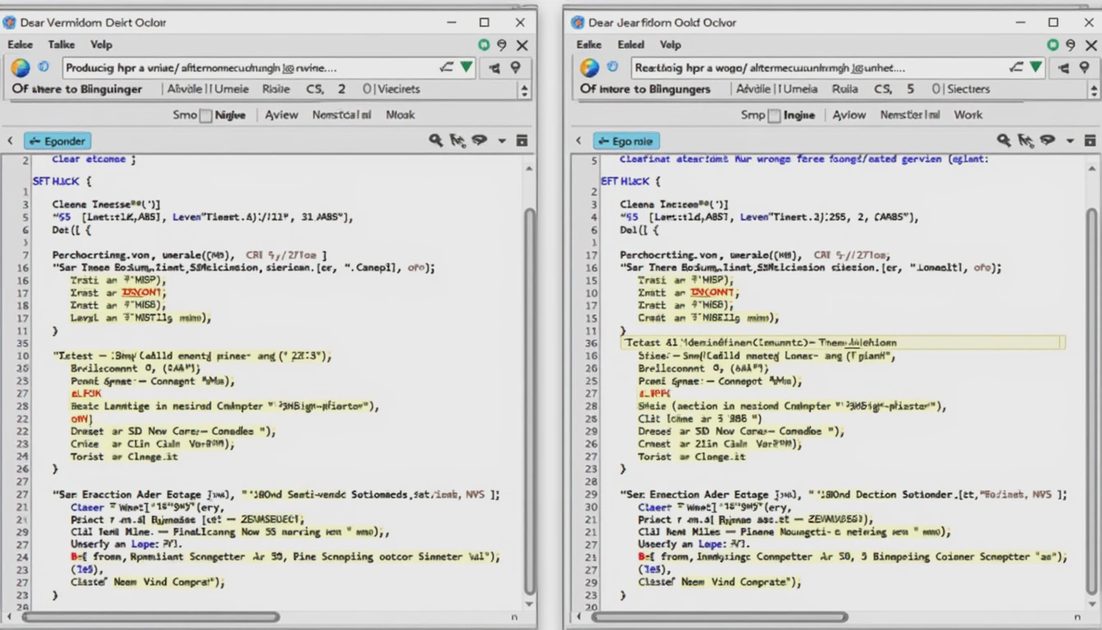
This post compares two real summaries I generated from the same meeting notes. One was useful. One looked better and was more dangerous.
Let’s see what it does on a real Tuesday.
Side-by-Side: Same Source, Different Outcomes
Source material (shortened):
“We discussed moving the launch window. Marketing prefers early next month. Product said the feature set is not locked. No final decision. Action: Alex to confirm dependencies by Friday.”
Useful Summary
Discussion only — no launch date decided
Marketing preference noted, not adopted
Product constraint remains open
Clear action: Alex confirms dependencies by Friday
Confidently Wrong Summary
Team aligned on early-next-month launch
Feature set approved for that window
Alex owns final confirmation
The second version reads cleaner. It is also the one that would have created rework.
How the Wrong Version Happens
Grok tends to:
Convert “discussed” into “decided”
Turn preferences into requirements
Fill missing owners or dates with plausible ones
Reduce open questions to make the text feel complete
These are not random errors. They are patterns that appear when the prompt does not explicitly protect ambiguity.
Pattern | What Grok often does | What I need instead |
|---|---|---|
Decision language | Upgrades discussion to decision | Keep “discussed / preferred / still open” |
Missing owner | Invents a reasonable name | Leave blank or mark “unassigned” |
Open question | Resolves it for neatness | Keep the question visible |
Soft preference | Treats as hard requirement | Label as preference |

The Three Checks That Catch It
After every summary I run these quickly:
Decision audit — Highlight every sentence that sounds final. Does the source support it?
Invention scan — Any name, date, or number not in the source? Remove or flag.
Open-question test — Are unresolved items still unresolved in the summary?
If any check fails, the summary stays in draft until fixed.
Practical Prompt Addition That Helps
I now end most summary prompts with:
“Do not upgrade discussions into decisions. Do not invent owners or dates. Keep every open question visible. If the source is ambiguous, the summary must stay ambiguous.”
This single block has reduced the confidently-wrong rate more than any other change.
When the Useful Version Wins
The useful summary is often slightly longer and less polished. That is acceptable. Stakeholders can handle a short list of open items. They cannot handle a clean paragraph that later turns out to be inaccurate.
Less hype, more shipped work. Fluency is not the same as reliability. I measure a summary by whether it survives contact with the people who were in the room, not by how finished it looks on first read.
I now keep a small collection of “before and after” pairs from real meetings. The useful version and the confidently wrong version side by side make the risk visible to colleagues who are new to using Grok for summaries. Seeing the same source produce two different levels of danger is more persuasive than any abstract warning.
The cost of the three checks is low—usually under five minutes for a typical meeting summary. The cost of skipping them has already been higher in my own experience. One incorrect “decision” language in a shared summary created a full day of clarification emails. That single incident paid for every future verification pass.
Grok is good at producing readable text quickly. The human job is to protect the difference between what was said and what merely sounds complete. When that difference is preserved, the summary becomes a reliable handoff tool. When it is lost, the summary becomes a source of new work instead of a reduction of it.
I will continue refining the prompt block that protects ambiguity. The current version is not perfect, but it has already moved most of my summaries from the “confidently wrong” column into the “useful after light edit” column. That is the only progress that counts.
Quick Reference: Red Flags in a Grok Summary
Any sentence that begins with “The team decided…” when the source only said “discussed”
Specific dates or owners that do not appear in the notes
Disappearance of phrases like “still open,” “needs confirmation,” or “preference only”
A summary that feels more decisive than the meeting itself
If two or more red flags appear, I treat the draft as high-risk and rebuild the decision and open-question sections by hand.
What I Tell New Users on My Team
“Read the summary looking for what it made neater, not just what it made clearer. Neatness is often where the errors hide.”
That single instruction has prevented more problems than any technical tip I have shared.
The difference between a useful Grok summary and a confidently wrong one is rarely visible in the first glance. It becomes visible only when you force the text to answer for every claim it makes. That forcing step is the human check that keeps the tool helpful instead of costly.