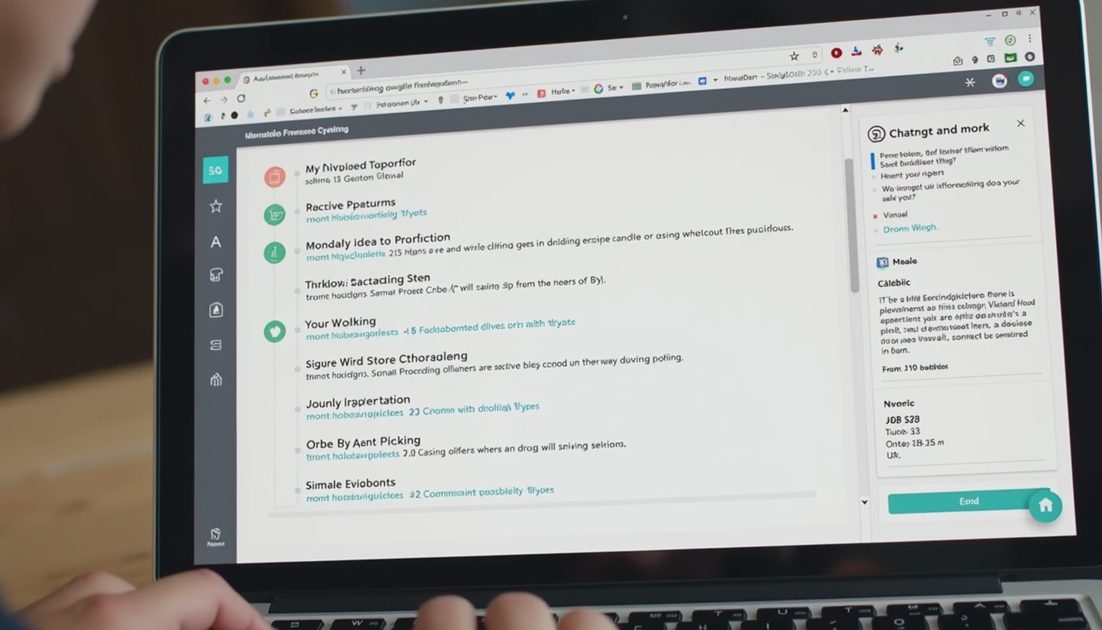
A 40-minute project meeting left me with messy notes, three open decisions, and four people waiting for next steps. My job was to turn that raw material into clear owners, deadlines, and a follow-up email the same day.
I used Grok for the conversion and timed every stage.
Let’s see what it does on a real Tuesday.
The Input I Provided
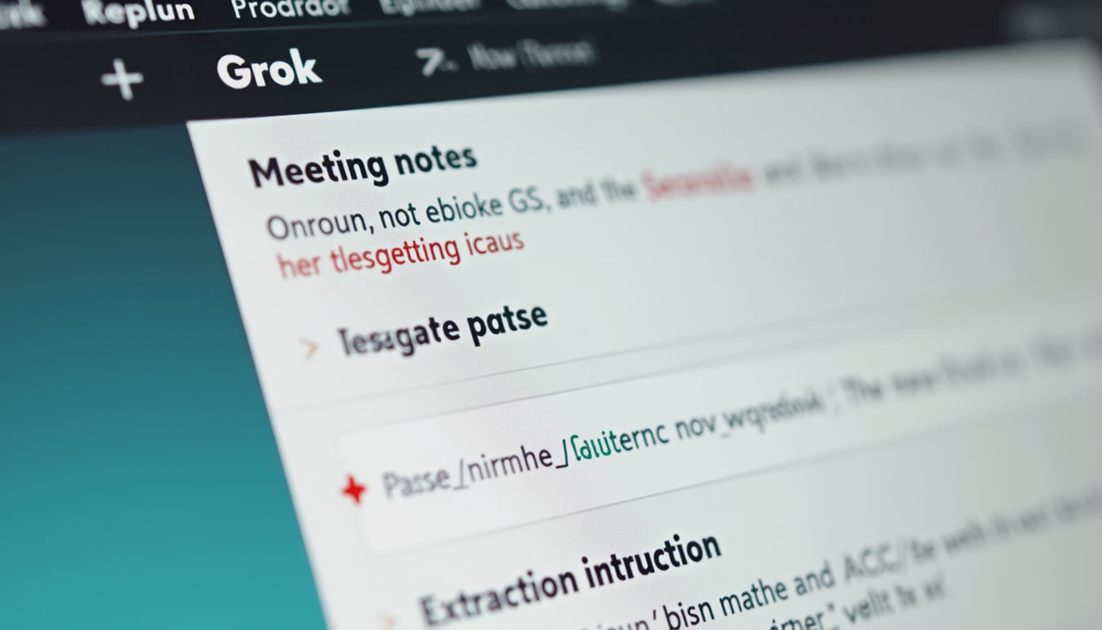
I pasted the cleaned-up meeting notes (names replaced with roles) and gave this instruction:
“Extract action items. For each item list: owner, deadline if mentioned, and any dependency. Then draft a short follow-up email that confirms the list and asks for corrections. Do not invent owners or dates.”
What Grok Produced
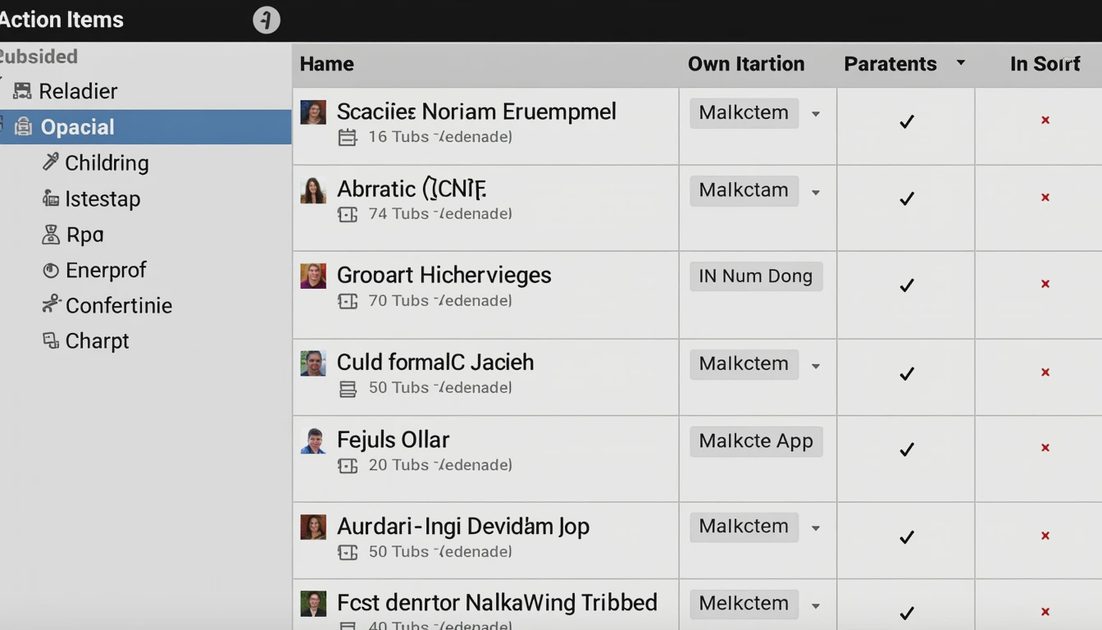
Within a few minutes I received:
A structured action list with owners and deadlines where the notes supported them
Clear flags for items that still needed an owner
A concise follow-up email draft ready for light editing
Accuracy Check
Item type | Grok performance | Human fix required |
|---|---|---|
Explicit owners | High capture | None |
Explicit deadlines | High capture | Minor date format cleanup |
Missing owners | Correctly flagged | I assigned or asked |
Invented details | None observed | — |
Email tone | Professional and neutral | Light personalization |
The Workflow I Now Follow
Clean names and sensitive details from the notes
Paste into Grok with the extraction + email instruction
Review the action list against the original notes
Fill any missing owners or deadlines myself
Edit the email draft for tone and add any internal context
Send
Total time for the recent test: 18 minutes from end of meeting to email sent. Previous manual method usually took 30–40 minutes.
What Still Requires Human Judgment
Deciding who should own an unassigned item
Judging whether a soft “we should look at this” is a real action item
Adding context that was spoken but never written in the notes
Choosing the right level of formality for the specific stakeholders
Grok handled the mechanical extraction well. The judgment calls remained mine.
Prompt Additions That Improved Later Runs
I now include these two sentences:
“If an owner or deadline is not clearly stated, write [NEEDS OWNER] or [NO DEADLINE]. Do not guess.”
“Keep the follow-up email under 150 words and end with a clear request for corrections.”
These additions reduced cleanup time on the next three similar meetings.
When This Pattern Works Best
Meetings with multiple action items
Notes that are reasonably complete
Stakeholders who expect a same-day written summary
Situations where inventing an owner would create real problems
It works less well when the notes are extremely sparse or when the political context of ownership is more important than the mechanical list.
Practical Takeaway
Grok can reliably turn meeting notes into a first-pass action list and a usable email draft. The human still owns the final assignment of responsibility and the final tone. Used inside that boundary, the workflow shortens the path from “meeting ended” to “everyone has the list.”
Less hype, more shipped work. The follow-up went out the same afternoon. That is the result that counted.
Common Failure Modes I Watch For
Even with a careful prompt, a few problems can still appear:
Soft suggestions treated as hard action items
An owner assigned based on role proximity rather than explicit statement
Deadlines inferred from context instead of stated
Email draft that is accurate but too formal or too casual for the audience
I now scan specifically for these four issues before I send. The scan takes under three minutes and has already prevented two awkward clarification threads.
How I Handle Missing Owners
When Grok correctly flags [NEEDS OWNER], I have three options:
Assign it myself if the decision is clear
Leave it unassigned and ask the group in the email
Schedule a quick follow-up conversation if the ownership is politically sensitive
Grok does not make that choice. I do. The tool’s job is to surface the gap, not to fill it with a guess.
Time Savings Across Recent Meetings
Meeting type | Old method | With Grok + review | Net change |
|---|---|---|---|
Project sync (3–5 actions) | 30–40 min | 15–20 min | Clear savings |
Stakeholder review (many soft items) | 35–50 min | 25–35 min | Modest savings |
Quick status check (1–2 actions) | 10–15 min | 10–12 min | Neutral |
The biggest gains appear when the notes contain multiple explicit actions. Sparse or highly political notes still require most of the original effort.
Boundary I Will Not Cross
I never paste notes that contain unannounced product details, customer names, or internal financial numbers. If those elements are present, I paraphrase the necessary points into a neutral list first. The extra preparation is cheaper than the risk.
Used inside these boundaries, the meeting-to-email workflow is one of the more reliable time savers I have found. The list goes out faster, the owners are clearer, and the human still owns every judgment that carries real consequences.
I will keep the same prompt skeleton and the same verification scan for the next month of meetings. If the net time savings hold and the error rate stays low, the workflow becomes a default Monday habit. If either metric slips, I will adjust the prompt or retire the step. The only score that matters is whether the team receives clearer next steps sooner.